Every business owner has had the thought. You are standing in the middle of a busy week, your software is slowing you down, and you think, “I should really switch.” Then the second thought shows up right behind it: “But what happens to everything in there?”
Years of customer records. Every job you have ever done. Quotes you sent, invoices you collected, notes about which clients have dogs and which ones want you to knock twice. That is not just data. That is your business. And that fear, the fear of losing it, is the number one reason good businesses stay stuck on tools they have long outgrown.
Here is the good news. Switching is far less scary than it looks, especially when you have someone in your corner. This guide is the friendly walkthrough we wish every owner got before making the move.
We have been where you are
Migration can be frustrating and intimidating. We know, because we have gone through it ourselves, more than once, before we ever built Zebu. We have moved off other platforms, we have felt that knot in the stomach about what might get lost, and we have helped our own clients make the same move successfully.
So when we say we will guide you through it, we mean it. Our team at Zebu is here for the whole process, from the first question to your first full week in the new system.
What actually comes with you
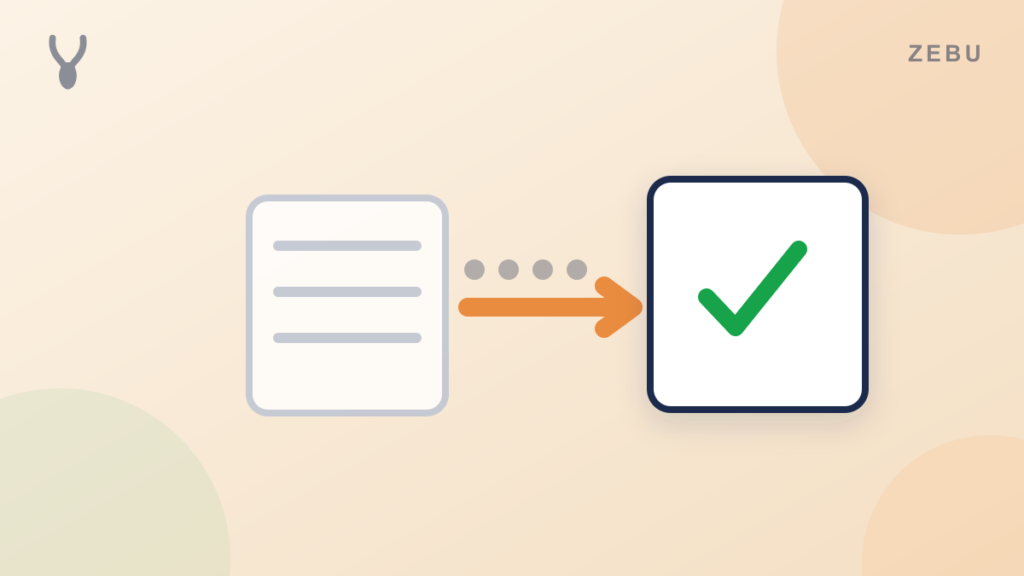
When you move to Zebu, your whole book of business can come along. That means the things that took you years to build and that you could never easily recreate:
- Your clients, with their contact details, tags, and notes
- Your service addresses, including clients who have more than one property
- Your job and visit history, so you can see what was done, when, and by whom
- Your quotes and estimates
- Your invoices and payments, so your revenue records stay accurate
- Your price book, the services and products you sell
You can be working out of your new account the same day, with your real business already inside it.
Let us do the heavy lifting
You do not have to touch a spreadsheet. Zebu offers a white glove migration where our team handles the move for you. You send us your files, and we bring everything into your account, make sure it all looks right, and walk you through the result on a call.
White glove migration is included free on the Pro plan. On every other plan it is available as an add on. Either way, a real person owns the move from start to finish, so nothing important slips through the cracks.
If you would rather do it yourself, you can. But a lot of owners tell us the best part is handing it off and getting back to running their business.
A few friendly habits for a smooth switch
Whether we handle it or you do, these simple habits make the whole thing feel easy.
- Do not cancel your old software yet. Keep it running for at least 30 days, and longer if you have recurring clients booked further out. It is your safety net while everything settles in.
- Export before you decide. Your old tool lets you download your records. Grab them now, even before you pick a new platform, so your data is safely on your own computer.
- Pick a calmer week. Moving the data is the easy part. Getting your crew comfortable in a new app is where you want your attention.
- Tell your team the date. Choose one day when everyone starts working from the new system, and make sure each person has logged in once before then.
- Update your links. Swap your booking link, request form, and client portal links on your website and your Google Business Profile.
What about the jobs already on your calendar?
This is the question we hear more than any other. Most established businesses have appointments booked weeks or months ahead, plus recurring clients scheduled well past 30, 60, or even 90 days.
Our advice comes down to one simple rule: every job should live on one calendar, never two.
- Keep your old account running until every service already on its calendar has been completed and closed out. Give it at least 30 days, and longer if your recurring clients are booked further ahead.
- Take every new lead and every new service in your new system from day one.
Your old calendar winds down on its own while your new one fills up, and nobody on your team ever has to work from two places at once. If you have recurring clients and want a hand setting them up, just ask. We are happy to walk you through it.
What your first week looks like
Here is what most owners experience after a switch.
- Day one: your clients and history are in, and you log in and look around. It is a strange and satisfying feeling to see your whole business in one place.
- Days two and three: your crew gets their logins and starts using the mobile app. A short walkthrough is usually all it takes.
- The rest of the week: new leads, quotes, and bookings go into the new system, while older jobs finish up in your old one.
- A couple of weeks in: you compare a few numbers, like a month of revenue and your open invoices, and see that they line up. That is the moment most owners relax.
Common questions
Will I lose my customer data if I switch?
Not when you plan the move and let us help. Your clients, jobs, quotes, and invoices can all come with you, and your old account stays untouched until you decide to cancel.
How long does switching take?
Getting your records over often takes just an afternoon. Most businesses then run both systems side by side for about 30 days while existing jobs wrap up, and cancel once everything has closed out.
Do I need to cancel my old software right away?
No, and we recommend you do not. Keep it for at least 30 days, and until every job already on its calendar is closed out. Take all new leads and services in the new system during that time.
What if I have recurring clients booked months ahead?
Keep your old account until their last scheduled visit is complete, and take all new work in the new system. We are happy to help you set your recurring clients up so nothing gets missed.
Can your team really do the migration for me?
Yes. White glove migration is included free on the Pro plan and available as an add on on the others. You send your files, and our team brings everything over and walks you through it.
Will my clients notice the switch?
Very little. Their invoices and payment links will look a bit different, and a short note letting them know you have a new system is plenty.
Make the move with a team behind you
Start a free 14 day trial, no card required, and see your own business inside Zebu before you decide anything. Choose the Pro plan and our team does the whole migration for you at no extra cost. If you are leaving a specific tool, our guides on switching from Jobber and the best Jobber alternatives are a good place to start.