A customer paying an invoice through an online portal feels like the modern way to run a service business, right up until someone on the back end has to go find that payment and enter it into the books by hand anyway. The portal made the customer’s part easy. It did nothing for the part where the money actually has to show up correctly in accounting, which is the part that decides whether the books are trustworthy at the end of the month.
A portal that only talks to the customer
Most customer portals are built to solve one problem, giving a customer a clean place to view a quote, sign it, and pay a bill without a phone call. That part genuinely helps. The gap shows up right after, when that payment or that signed quote sits inside the portal as its own little record, separate from whatever system actually runs invoicing, scheduling, and accounting. Someone still has to notice it happened, match it to the right job, and carry it over, which is exactly the manual step a portal was supposed to remove in the first place.
What changes when the portal and the books are the same system
The real fix is not a nicer portal. It is a portal that is not a separate system at all, just a customer facing window into the one that already runs everything else. A payment made there should be the same payment record accounting already sees, not a second one that needs to be reconciled against it later. A quote signed there should be the same quote the office already built, not a copy that has to be matched up by hand.
How Zebu’s customer portal works this way
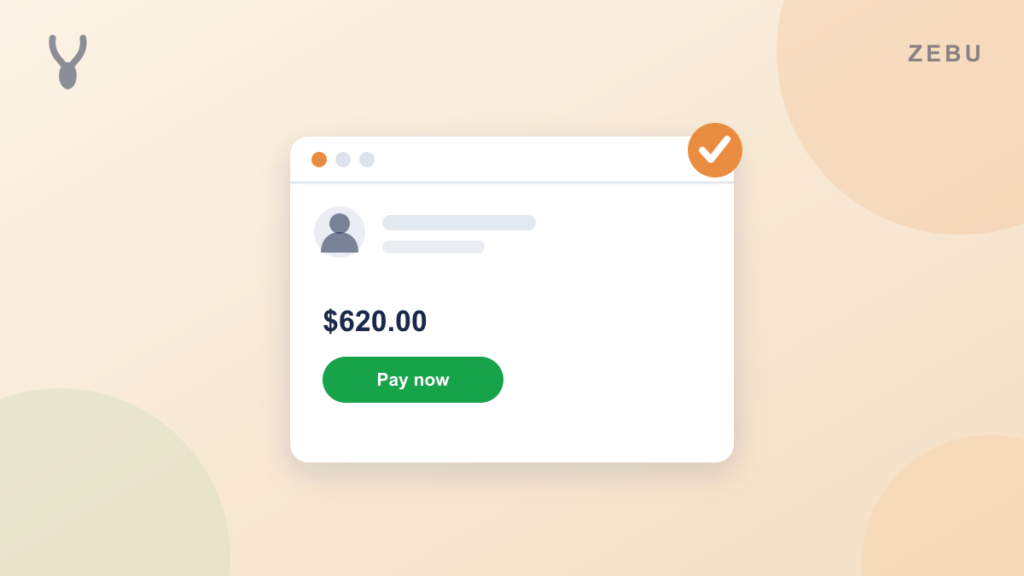
Zebu’s customer portal is not a bolt on, it runs on the same data as the rest of Zebu. A client opens a private link, no account or password required, and can review and sign an open quote, drawing or typing their signature, pay an invoice, and manage more than one saved card for future jobs. Because it is the same system, a payment made through the portal is the exact same payment record that already flows through Zebu’s real two way QuickBooks Online sync, the same one covered in an earlier post here. Nobody has to go looking for it, match it to an invoice, or enter it a second time.
The same is true on the quoting side. A quote a customer signs through the portal is the same quote record the office built, so accepting it schedules the job and updates the pipeline immediately, with nothing to copy over by hand.
A customer portal is not really a customer feature. It is a data entry job that either gets done by a person or gets done automatically because the systems underneath were never actually separate to begin with. The second version is the one worth paying for, and it is the one a business should expect from any tool it is trusting with its schedule, its invoices, and its books.